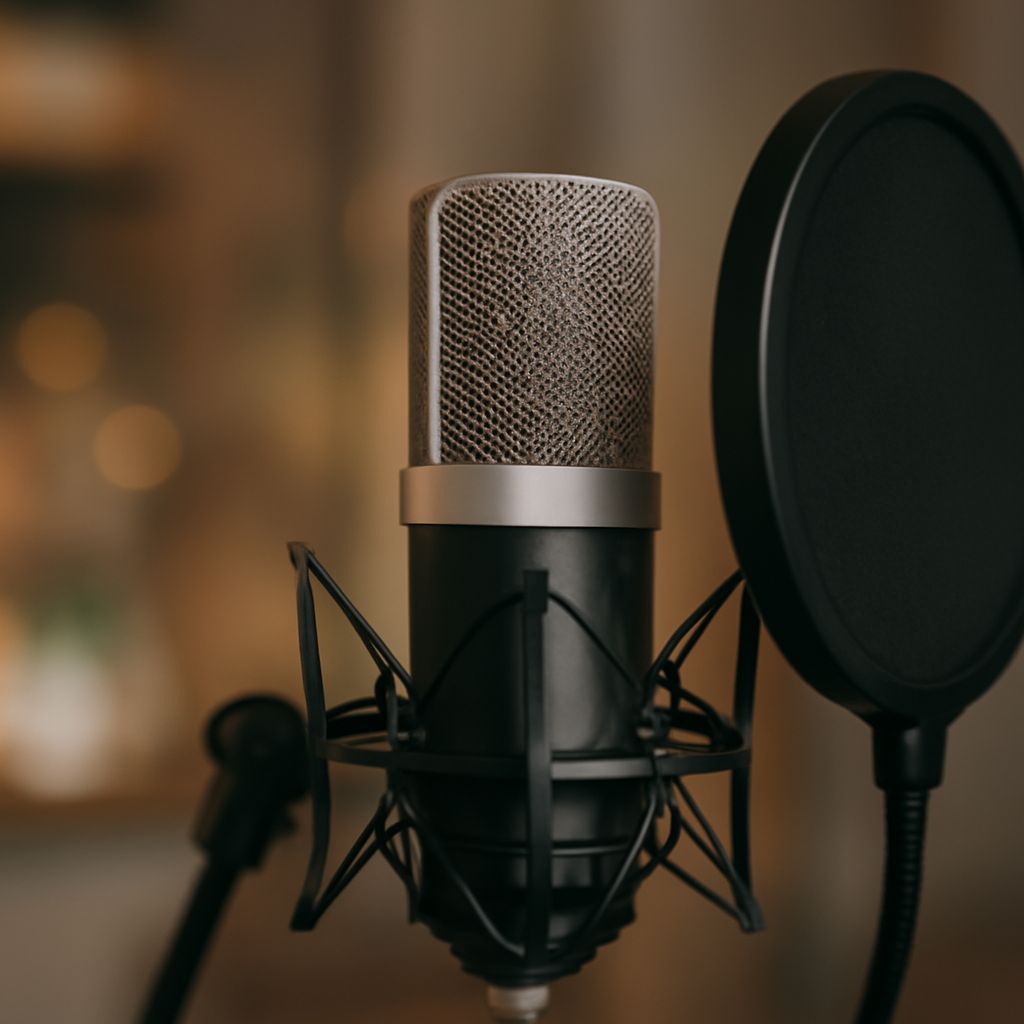
Choose a foam windscreen that fits your microphone’s grille snugly and leaves the sound-entry area covered. These covers for microphones can soften small bursts of moving air while you record speech. They are easy to use, but a strong puff on a close-spoken P may need more help.
Microphone Covers: Match the Foam to the Grille
Start with the microphone model and the manufacturer’s compatible accessories. If you are buying a universal size, measure the grille’s widest point and its length. Compare those measurements with the seller’s fit range. A rounded handheld grille and a long, narrow microphone need different shapes; a cover that fits one may bunch up or slide off the other.
The foam should stay in place without being stretched so tightly that it tears. It should cover the openings through which sound enters, while leaving switches and mounting points usable. Follow the microphone’s instructions if it has a special shape or included windscreen. Fit matters more than a promising photograph of a smiling podcaster.
A microphone cover also keeps some dust and incidental moisture away from the grille. It does not make the device waterproof. Remove the foam for cleaning according to its manufacturer’s directions, and let it dry completely before putting it back. Keep liquid away from the microphone itself.
What foam does to speech
Open-cell foam microphone covers slow small currents of air before they reach the capsule. That can reduce light wind noise and the bursts produced by consonants such as P and B. Those bursts are called plosives; in a recording they often sound like a low, abrupt thump underneath an otherwise clear word.
Foam can change the sound as well. Different materials and thicknesses may affect high frequencies, making a voice seem a little less bright. The degree depends on the product and microphone. To hear the difference, record the same sentence with and without the foam at the same distance, angle, and level. Listen on headphones for both low thumps and changes in consonant clarity.
Use a sentence with several P and B sounds and another with softer consonants. Record a normal performance rather than whispering your way through the test. If the covered take sounds dull, check that the foam is intended for the mic and compare a better-fitting option. Also check your position: turning away from the microphone can change the tone independently of the foam.
When a separate pop filter helps
A separate mesh pop filter sits between your mouth and the microphone. It breaks up the breath from plosive sounds before that air reaches the grille. It also provides a visible reference for keeping your distance steady. A properly positioned filter is often a good choice for close studio narration, where a single burst can spoil an otherwise excellent take.
Start with the microphone roughly 6 to 12 inches from your mouth, then adjust for the room, microphone, and desired sound. Place the filter between you and the grille, with enough space that it does not touch either. Aim the microphone slightly above or below your mouth, or speak a little across it, so the strongest breath does not travel straight into the capsule. Keep listening as you adjust; a small angle change can affect tone.
Use the foam and a separate filter together if your test still produces pops and the result sounds clear. For a quieter voice or more distant placement, one may be enough. Compare takes at matched positions before deciding. A cover for the mic cannot remove room echo or fix a clipped recording made at too high a level.
When wind needs more protection
For a light indoor draft or gentle outdoor movement, a fitted foam windshield may be sufficient. Outdoors in stronger wind, consider a compatible furry windshield; for demanding boom or shotgun work, a blimp-style windshield with a furry outer layer offers more substantial protection. Check compatibility with the microphone and its mount before buying.
Listen to a short test in the actual location. If the rumble rises with gusts, move to a sheltered position as well as improving the windshield. Wind protection reduces air movement at the capsule; it does not silence traffic or other sounds around the performer.
If a P still thumps
The most likely failure in a close voice recording is a plosive that slips through as a bass-heavy pop. Replay a test sentence on headphones and listen closely to the starts of P and B words. First, move slightly farther back or aim the mic just off the direct path of your breath. If the thump remains, add or reposition a separate pop filter and record the sentence again. Keep the version that controls the burst while preserving a clear, natural voice.